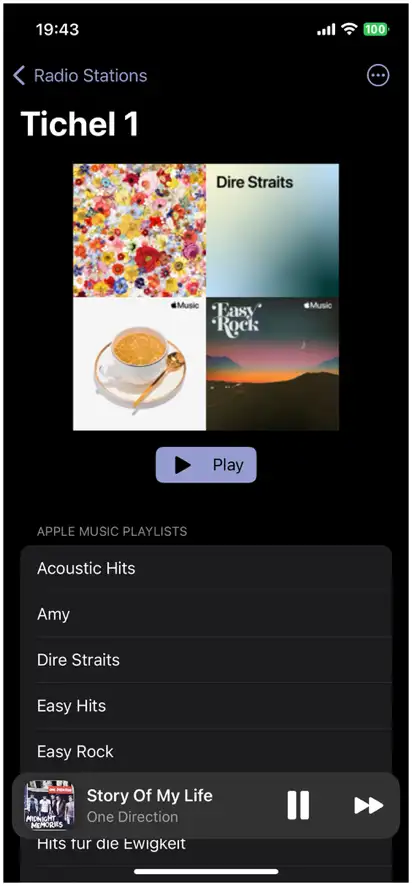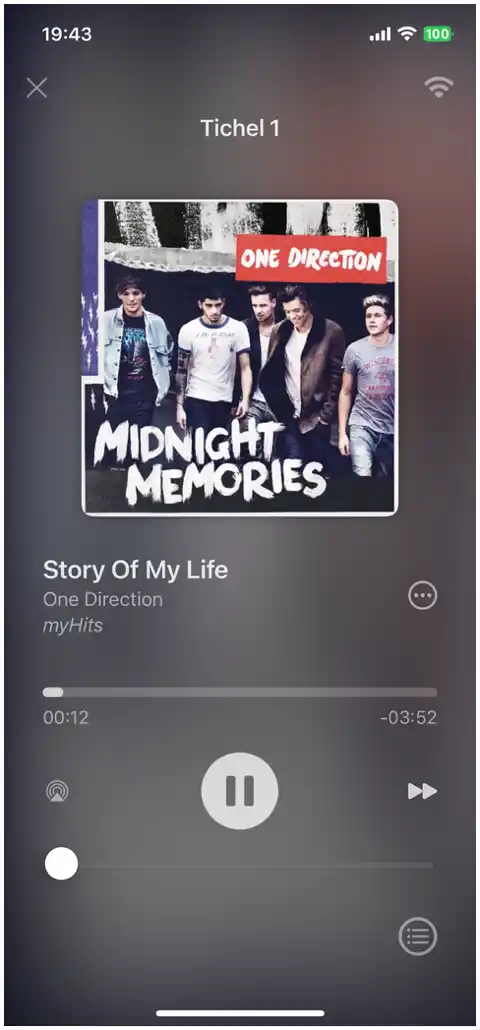
Create custom radio stations with Apple Music. Schedule playlists, set priorities, and enjoy perfectly curated music that matches your routine and mood.
Download on App StoreAvailable for iOS, iPadOS, macOS, and tvOS
Start by adding playlists from your Apple Music library. Configure your station by setting priorities, days, and hours for playlist play.
Control how often songs from each playlist play. Choose from options like 1 track per day to 21 tracks per hour to perfectly balance your music mix.
Set specific days and times for your playlists to play, ensuring your music matches your routine and mood.
Intuitive player interface with mini player, full player view, and track history for easy navigation.
Play downloaded tracks from Apple Music even without internet access. Customize data usage settings for mobile data.
Enjoy a visual treat with music videos automatically selected based on your playlists. Stream them in high quality directly via the Apple Music app.
Share your stations with friends or back them up with the import/export feature.
Quick access widgets and Siri shortcuts for seamless station control from your home screen or via voice commands.
Access and control your stations directly from your CarPlay interface.
Enjoy your stations on your Apple TV for a seamless home audio-visual experience including the Music Video Show feature.
Synchronize your stations across all your Apple devices with iCloud.
A subscription to Apple Music is required to use Tichel Radio and access all its features.
Player Interface
Station with Playlists
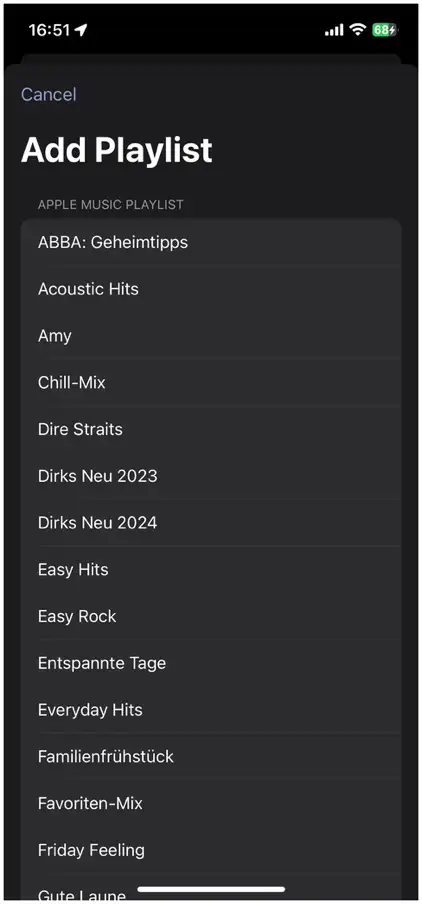
Add Playlists
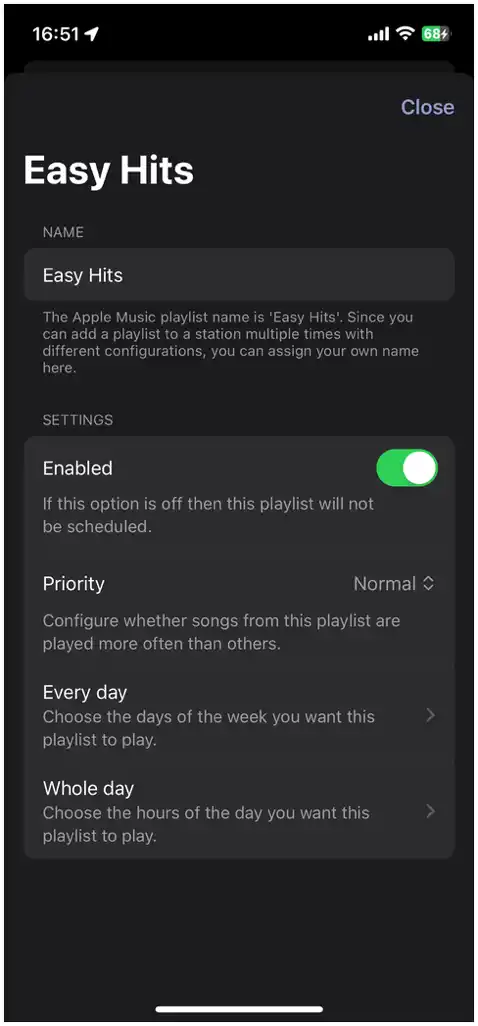
Configure Playlists
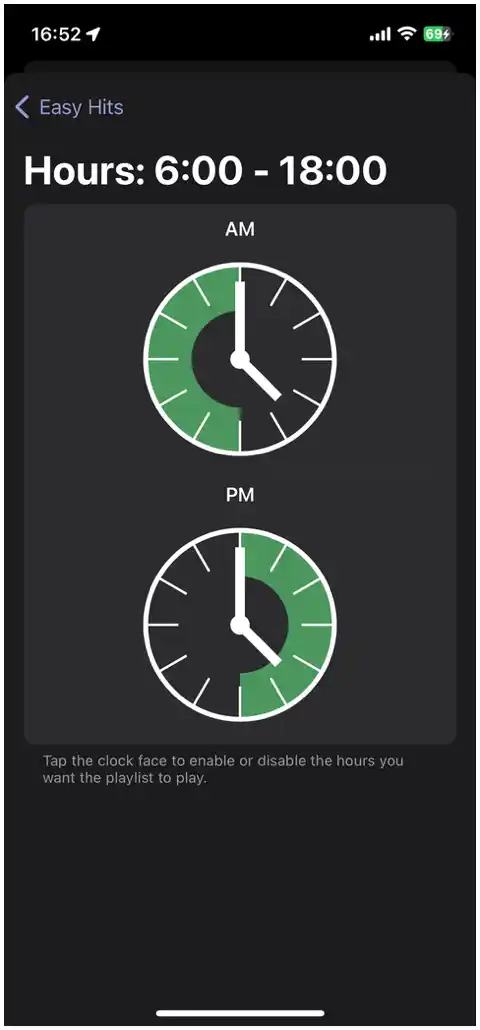
Schedule Play Times
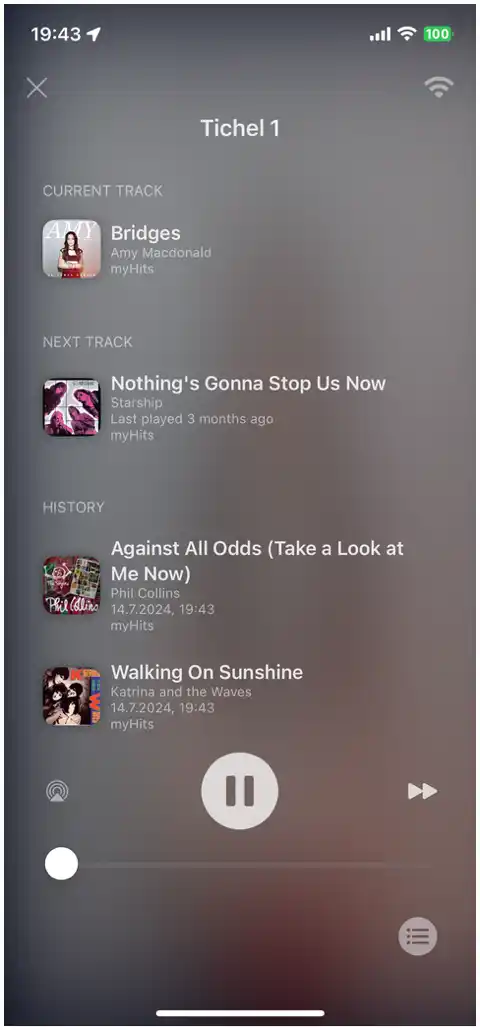
Track History
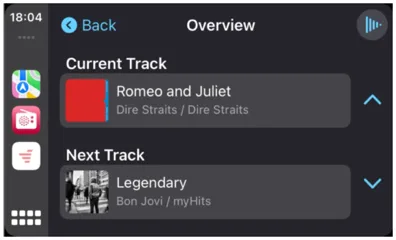
CarPlay Overview
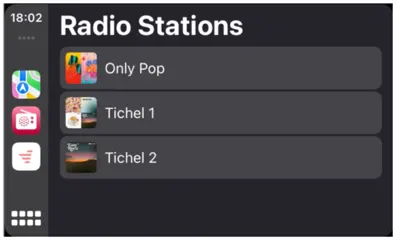
CarPlay Station List
Download Tichel Radio now and start enjoying personalized music on all your Apple devices.
Download on App Store